Border Times vs. CBP Border Wait Times: An Honest Comparison
March 23, 2026 (Updated March 24, 2026)
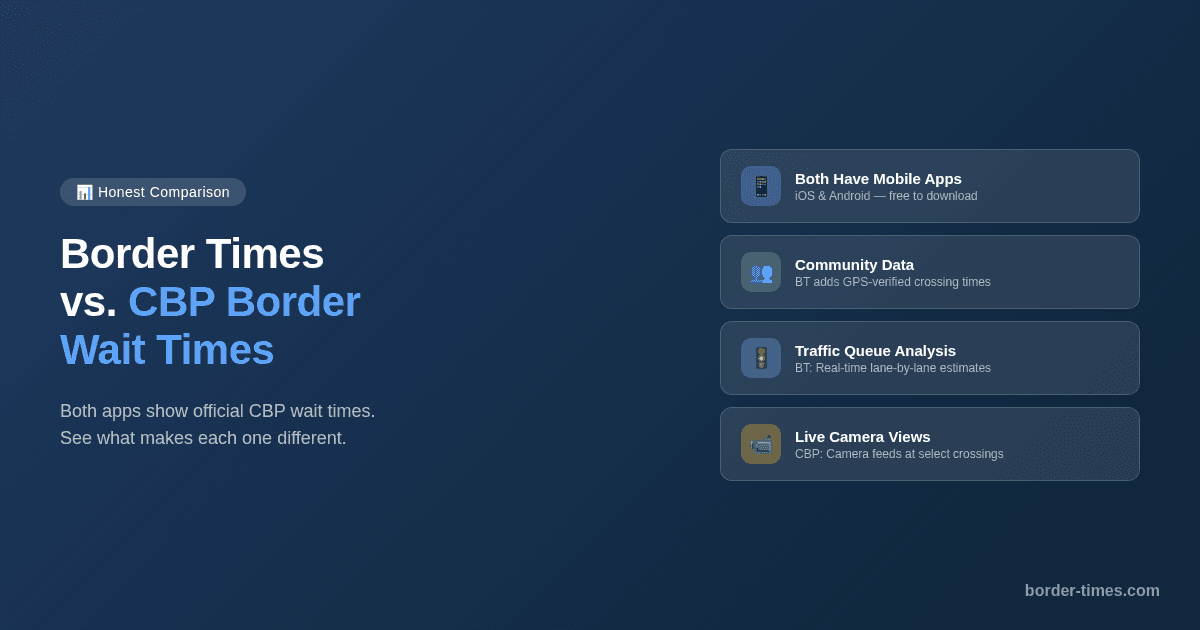
If you've ever checked border wait times before crossing, you've probably used the CBP website at bwt.cbp.gov or the official CBP Border Wait Times app. They're the government's official source, and they've been the go-to for years. Border Times was built to add a layer of community-driven data on top of that official foundation. Here's an honest comparison of both tools — what each one does well, and what makes them different.
The CBP Border Wait Times App & Website
CBP (Customs and Border Protection) offers both a website at bwt.cbp.gov and a mobile app (available on iOS and Android) that provide estimated wait times for U.S. land border crossings. Here's what the CBP tools offer:
- Wait time estimates for vehicle lanes (General, SENTRI, Ready Lane) and pedestrian crossings
- Coverage of all U.S.–Mexico and U.S.–Canada land ports of entry
- Data based on estimates from CBP officers at each port
- Mobile app with historical wait time graphs and a “Plan Ahead” feature for browsing trends by month or holiday
- Real-time camera views at select crossings
- Ability to compare nearby crossing points
- Free to access on web and mobile
The CBP tools are the official baseline and provide solid coverage. The website is straightforward, and the mobile app adds useful features like historical graphs and camera views.
How Border Times Works
Border Times uses official CBP data as its foundation and adds community-driven data on top. The app collects CBP data every 15 minutes and combines it with crowdsourced information from real crossers:
- Native iOS and Android apps designed for checking wait times on the go
- All 49 U.S.–Mexico border crossings covered, with lane-by-lane breakdown
- Crowdsourced live wait times from GPS-verified border crossing trips
- GPS-based trip tracking that detects when you're in line and estimates your actual wait
- Real-time traffic queue analysis with lane-specific estimates
- Community reports where crossers share conditions and line-start locations
- In-app notices about construction, closures, and special events at crossings
- Full bilingual support (English and Spanish) throughout the app
Side-by-Side Comparison
| Feature | CBP (App & Website) | Border Times |
|---|---|---|
| Data source | CBP officer estimates | CBP data + crowdsourced community reports |
| Data collection | Periodic CBP updates | Every 15 minutes from CBP + live community data |
| Mobile app | Yes (iOS + Android) | Yes (iOS + Android) |
| Historical data | Yes — graphs and “Plan Ahead” by month | Traffic pattern charts (hourly/weekly) |
| Camera views | Yes — live at select crossings | No |
| Crowdsourced live data | No | Yes — from GPS-verified trips |
| GPS trip tracking | No | Yes — detects queue entry automatically |
| Traffic queue analysis | No | Yes — real-time lane estimates |
| Community reports | No | Yes — crossing times and line-start locations |
| In-app notices | FAQs and resources | Yes — construction, closures, events |
| US–Canada crossings | Yes | No (US–Mexico only) |
| Lane-by-lane breakdown | Yes | Yes (General, SENTRI, Ready Lane) |
| Bilingual (EN/ES) | English primary | Full English and Spanish |
| Cost | Free | Free |
What Makes Them Different
Both tools show official CBP wait time estimates and both have mobile apps. The key differences come down to the type of data and how it's collected:
- CBP provides official officer-estimated wait times, historical graphs, camera views, and covers both US–Mexico and US–Canada borders
- Border Times adds a crowdsourced layer — GPS-verified crossing times from real people in line, so you get a second data point beyond the official estimate
- Border Times offers real-time traffic queue analysis that breaks down wait estimates by lane using live traffic data
- CBP's “Plan Ahead” feature lets you browse historical trends by month and holiday — useful for long-term planning
- Border Times focuses exclusively on the US–Mexico border with deeper community-driven features for frequent crossers
What Border Times Adds Beyond CBP
- Crowdsourced live wait times: Real crossers submit GPS-verified trips, giving you a second estimate based on actual time spent in line — not just the official CBP number.
- Track your actual crossing: GPS-based trip tracking detects when you enter the queue and gives you a live estimate of your remaining wait. Your verified trip helps the community.
- Traffic queue analysis: Real-time traffic data is analyzed to estimate queue length and wait times per lane, giving you another layer of information before you head to the border.
- Community reports: Other crossers can share real-time conditions and report where the line starts, adding practical on-the-ground info beyond wait time numbers.
- Crossing notices: Get notified about construction, lane closures, special events, and other conditions that could affect your crossing.
An Honest Note
Border Times isn't here to replace the CBP tools — it's here to complement them with community-driven data.
- CBP data is the official baseline, and Border Times uses it as its foundation
- The CBP app has valuable features like camera views and historical planning that Border Times doesn't offer
- Both tools are completely free to use
- The goal is to give frequent crossers an additional data source based on real community experiences
- Border Times focuses on the US–Mexico border, while CBP covers both borders
Try Both and See What Works for You
We recommend using both tools. Check the official CBP estimates as your baseline, then add Border Times for crowdsourced data and traffic analysis. Download the free app for iOS or Android, or check wait times right now on the web at border-times.com.
Ready to cross smarter?
Download Border Times — free on iOS, Android, and web.